

A tangled charging cord can raise a last-minute packing question, especially when you’re deciding what belongs in your carry-on and what can go in checked luggage. Can you bring a phone charger cord on a plane? In general, a standalone phone charging cable is permitted in either bag under standard U.S. airport screening rules. A cable is not the same thing as a portable battery, though, and that difference matters when you pack a power bank.
The options listed below include multi-connector cables, which may help reduce the number of separate cords you pack if their plugs match your devices. Check the connector types and the cable’s product details before relying on it for a particular phone. For a different travel charging setup, see our guide to portable Qi wireless charging or browse portable power bank options to understand the difference between a cord and a battery-powered accessory.


Phone Charger Cords on Planes: Packing and Screening Details
Yes, you can generally bring a phone charger cord on a plane, in either a carry-on bag or checked luggage. A cable by itself has no battery or stored electrical energy, so it is treated differently from a power bank or spare lithium battery. Keep the cord organized and accessible if you expect to use it during the trip, and check current airline and security-agency guidance before departure because screening decisions and special restrictions can vary.
A cable is not the same as a power bank
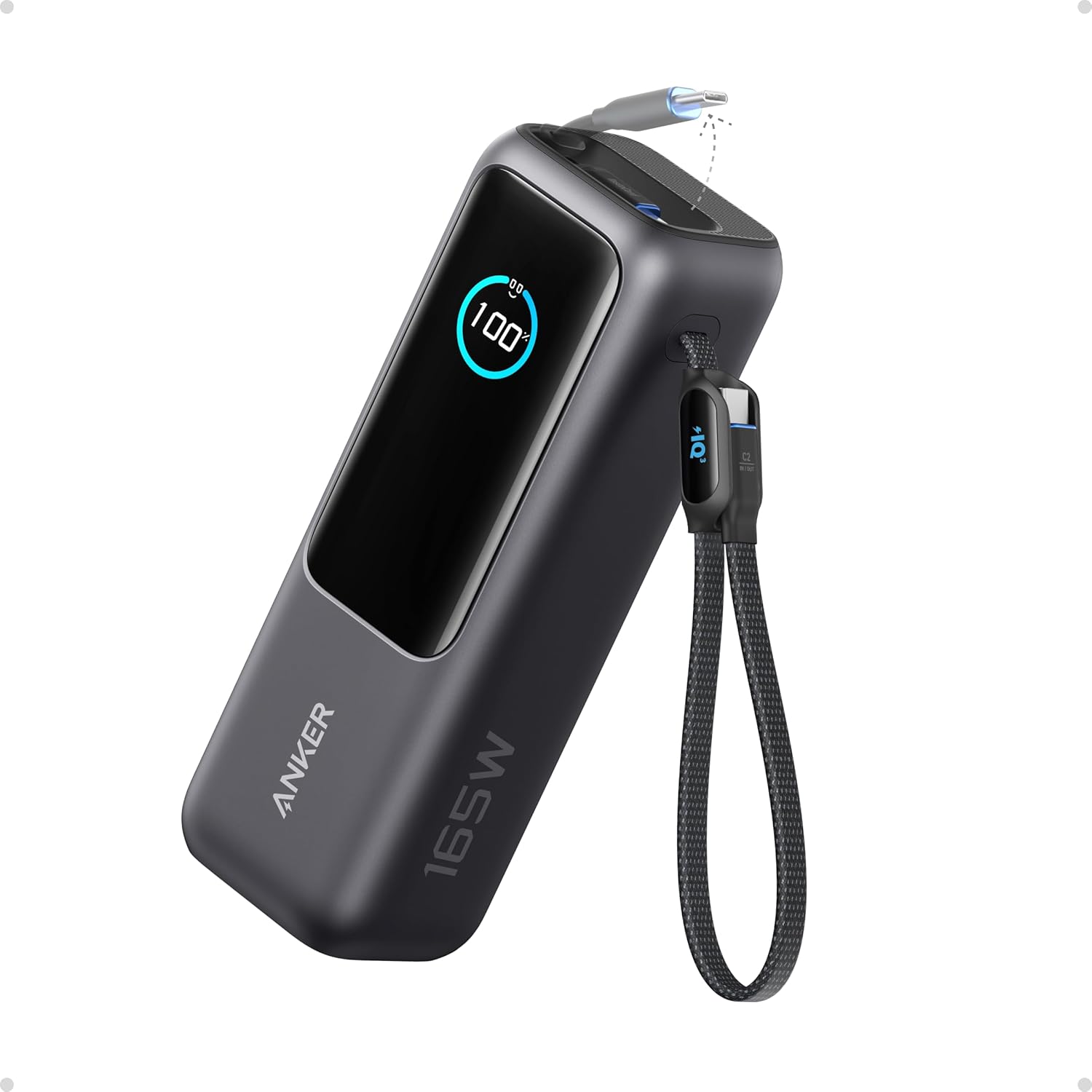
A phone cord transfers power from a compatible source to a device; it does not provide that power on its own. A wall adapter, sometimes called a charging brick, converts power from a suitable outlet for a connected device, while a power bank stores energy in an internal battery. That battery changes the packing question: spare lithium batteries and power banks are generally required to travel in the cabin rather than checked baggage under U.S. aviation safety rules.
Keep a power bank’s terminals protected from contact with metal objects, and do not pack a damaged or swollen battery. Follow the airline’s capacity limits and instructions for carrying and using the bank; rules can depend on its watt-hour rating and the carrier. If you’re carrying only a cord, those battery-specific restrictions do not normally apply to the cable itself. If your bag contains both a cord and a power bank, assess each item separately instead of assuming that the cord’s allowance settles the battery question.
Carry-on or checked luggage?
A standard phone charging cable can generally go in either a carry-on or checked bag. Carry-on packing is often more convenient because the cord is available during a layover or onboard, subject to the airline’s rules about when electronic devices may be used. Checked luggage may be reasonable for a spare cable, but packing it where it can be found without unpacking the whole bag can make arrival less frustrating.
Security officers may inspect a bag for many reasons, and they have authority to decide whether an item can pass through a checkpoint. Keep cords from tangling around other belongings or obstructing access to items that may need inspection. A compact pouch or a loose over-under coil can keep the cable organized without sharply bending it. Avoid wrapping it tightly around a charging brick or folding it at the connector, since repeated strain at that point can damage the cable over time.
International travel adds another layer: airport screening authorities and airline policies may differ from U.S. practices. A plain cable is ordinarily a simple item, but do not treat general guidance as a guarantee for every airport, route, or unusual cable assembly. Check the rules for your departure airport, connecting airports, and airline if you have an unusual accessory or are uncertain about an item. For routine travel, a typical phone cord does not need to be treated like a prohibited battery.
Choose a cable that matches the device
Airline permission does not establish whether a cord will charge a particular phone. Check both ends: one connector must fit the device or its case, and the other must fit the power source you expect to use. USB-C, Micro USB, and Apple’s proprietary phone connector are different interfaces, so a cable’s description should identify the connector types rather than relying on a broad label such as “phone cord.” A cable that physically fits may still not provide every charging feature a device supports.
The supplied product information describes the KableCARD Multi-Functional Cable Color as including a Type-C 5-pin connector, a memory reader, a SIM ejector pin, and ambient light, and says it supports Type-C, Type-A, and Micro connections. The available information does not specify charging wattage, cable length, or compatibility with particular phone models, so those details should be confirmed before purchase. The listed Multi Charging Cable 4FT,100W Fast Charging description identifies Type-C, Micro USB, and an “IP Port” connector and names iPhone 16, 15, and 14 along with Android phones; confirm what “IP Port” means in the seller’s current listing before treating it as a specific connector standard.
The second product’s title includes “100W,” but that alone does not tell you which devices receive a particular charging speed or whether a wall adapter supports the same output. Charging depends on the device, adapter, cable, and any supported power-delivery protocol working together. The supplied data does not establish USB Power Delivery certification or a specific voltage and current profile for either cable. Treat those details as unknown unless the current manufacturer or seller specifications state them clearly.
Pack the cable without damaging its connectors
Before packing, inspect the cable jacket and both connector ends for splits, exposed conductors, bent parts, or looseness. Do not use a cord with visible damage, unusual heat, or intermittent power; replace it rather than trying to stabilize a failing connection with tape. A cable that looks intact can still have an internal break, so if charging cuts in and out, try a known-good compatible cable and power source to narrow down the cause.
Coil a cable in broad loops instead of making tight creases. Leave the connector ends free from sharp bends, and secure the coil loosely so it does not unwind through your bag. Keep the cable away from liquids and from heavy objects that could crush its connector. These small steps are useful at home as well as during travel, since packing repeatedly can put stress on the same points near the plugs.
If you carry several cords, label or separate them by device rather than pulling randomly at a knot. That makes it easier to identify a damaged cable and reduces strain caused by yanking one connector out of a bundle. A multi-connector cable may reduce clutter, but check the supplied connector list and the device’s port before leaving. Do not assume that a connector included in a product title covers every phone, tablet, or accessory you own.
Using a cord during the journey
Having a cord in your bag does not ensure that you will have a compatible power source onboard. Aircraft outlets, if available, may use different outlet types or have limits described by the airline, and some seats may not provide a usable outlet. Bring an adapter only if the airline permits it and its plugs match the available source. A cord alone cannot charge a phone without a suitable adapter, USB port, or power bank.
Follow crew instructions about electronic devices and charging during taxi, takeoff, landing, and flight. Keep a cable out of aisles and away from seat mechanisms, where it could snag or be pinched. If an outlet or adapter becomes hot, smells unusual, or behaves erratically, disconnect the device if it is safe to do so and tell a crew member. Do not keep using a visibly damaged cord simply because the battery is low.
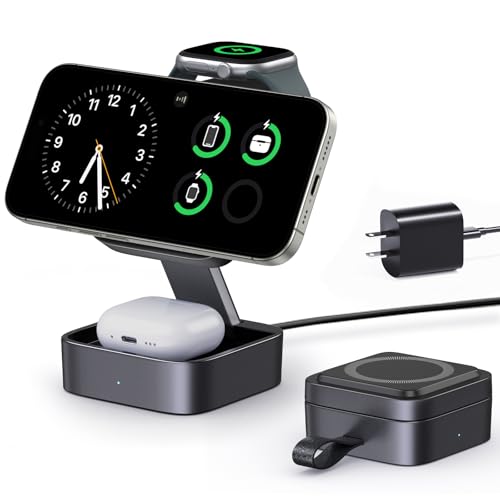
Travel charging needs can be modest: one known-compatible cord and the appropriate power source may be all that is required. If wireless charging is part of your setup, a wireless charger overview can help explain that these are separate powered accessories, not substitutes for a cable in every situation. A wireless pad also needs a suitable source of power, and its presence does not change the carry-on handling rules for a separate power bank.
What to do if screening raises a question
If an officer asks about a cord or another accessory, answer plainly and follow the instructions given at the checkpoint. Do not argue that an online summary overrides the officer’s screening decision. If you have a battery accessory in the same bag, identify it accurately and follow the carrier’s packing requirements for that item. Keeping cords and batteries easy to distinguish can make an inspection more straightforward.
For uncertain or unusual equipment, consult the relevant airport security agency and your airline before packing. This is especially useful for products that combine a cable with a battery, lighting, storage, or another electronic function, because the item may not be treated as a plain cord. Product names can be broad, and a seller’s title may not explain how an accessory is powered. Check the actual product description and any battery information rather than making a decision from the word “charger” alone.
The direct answer remains straightforward: a typical phone charging cord can generally travel in carry-on or checked luggage. Pack power banks and spare lithium batteries according to their separate cabin and capacity rules, and verify the cable connectors against your devices and adapter. A quick check of airline and screening guidance before departure is the sensible final step when your setup includes anything beyond an ordinary cable.




Write Your Review
No reviews yet. Be the first to share your experience!