

A low phone battery can turn a short flight into an inconvenient one, especially if you expect to plug in at your seat. The answer to does spirit have charger ports isn’t something to assume for every flight: aircraft and seat amenities can vary, and the information available here doesn’t confirm a charging port on a particular Spirit Airlines plane. Check your itinerary, the airline’s current flight information, or ask a representative about the aircraft and seat assigned to your trip.
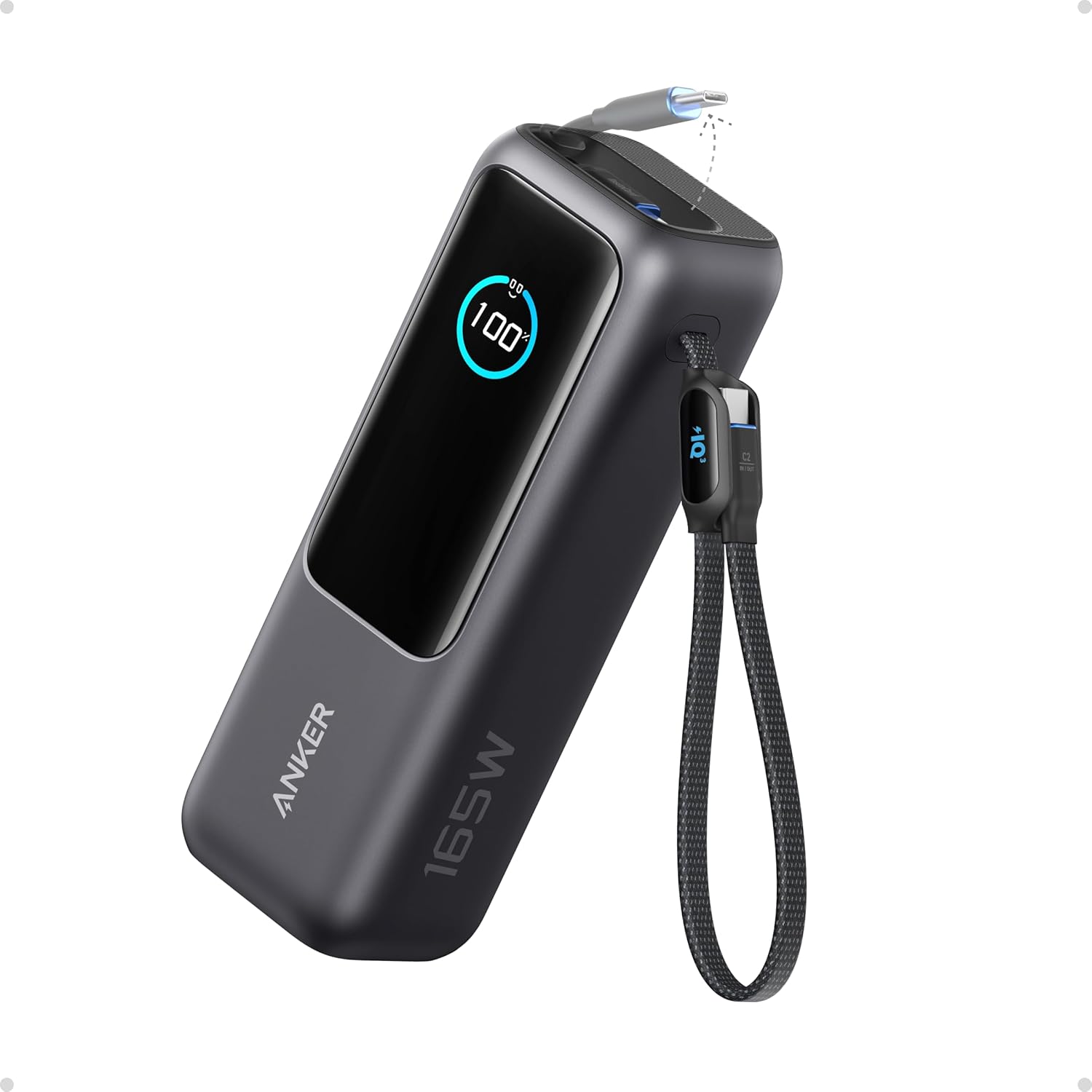
Plan as though seat power might not be available, and arrive with your device charged and a compatible power bank if you need backup. Airline rules for portable batteries and charging accessories matter too, so check current carry-on guidance before traveling. For everyday backup options outside the aircraft, our portable Qi charging guide and wireless charging options offer related ideas, though wireless pads do not provide power unless connected to a suitable source.
Top Products





Does Spirit Have Charger Ports? What to Check Before You Fly
Don’t count on a charger port being available at every Spirit Airlines seat. The supplied information doesn’t identify the aircraft, route, seat, or current onboard amenity configuration for a particular flight, so it can’t verify whether your seat has a USB port or an AC outlet. Treat seat power as flight-specific and confirm it through current airline information rather than relying on a general expectation.
Why the answer can depend on the aircraft and seat
An airline may operate different aircraft configurations, and amenities can also vary by cabin or seat. Even when a plane has power in some locations, that doesn’t establish that every row or seat has its own USB connection or outlet. A route alone may not settle the question if aircraft assignments or configurations change.
That distinction matters because “charger port” can refer to different things: a USB-A socket, a USB-C socket, or a standard AC outlet. These are not interchangeable. A USB socket typically requires a suitable cable, while an AC outlet requires a compatible wall-style adapter and may have its own use restrictions.
Look for amenities associated with your specific flight and seat, and check again close to departure if the aircraft assignment changes. If the airline’s information doesn’t clearly state that a usable outlet is available, plan without one. This is more reliable than assuming that a port shown in a photo, review, or discussion applies to your assigned seat.
How to verify power access before departure
Start with your reservation and the airline’s current flight details. Review the aircraft and seat information, then look for an explicit listing of onboard power or charging amenities. If the listing is unclear, ask Spirit directly whether your assigned aircraft and seat are expected to have USB power or an AC outlet.
Ask about the connection type, not just whether “charging” is available. A USB port may not support every charging cable or device, and an AC outlet is a different interface from USB. The supplied information doesn’t state the port type, output voltage, amperage, or wattage for a Spirit seat, so don’t assume a particular charging speed or compatibility.
Recheck if a seat change or aircraft substitution occurs. An amenity attached to one aircraft or seat shouldn’t be treated as guaranteed after an itinerary change unless the airline confirms it again. For a device that must stay powered, a charged backup battery is a more dependable contingency than an unverified seat feature.
Keep the confirmation practical: note whether power is listed, identify the port type if specified, and pack the corresponding cable or adapter. If the airline cannot confirm those details, bring a power bank only if it complies with current airline rules. A small amount of planning can prevent a low-battery warning from becoming a travel problem.
USB ports, wall outlets, cables, and charging speed
A seat USB port and an AC outlet serve different purposes. USB charging depends on the port’s available output and the device’s charging requirements; an AC outlet relies on a compatible adapter that converts wall power for the device. Since no Spirit-specific electrical ratings are provided here, avoid relying on a particular wattage, fast-charging protocol, or guaranteed charge time.
Carry a cable that matches your device, and check that its connector is in good condition. A cable can fit physically yet still charge inconsistently if it is damaged or unsuitable for the device. If an outlet is confirmed, bring an adapter that follows the airline’s instructions and does not obstruct neighboring passengers or interfere with the seat area.
Charging while using a phone for streaming, navigation, gaming, or a bright screen can consume power at the same time the battery is replenished. As a result, a connection does not automatically mean the battery will charge quickly or even gain charge under every use pattern. Reduce screen brightness and close power-hungry activities if preserving battery matters.
If a confirmed port doesn’t work, test the simplest parts first: reseat the cable, check for visible cable damage, and try a different compatible cable if one is available. Don’t force a plug into a loose or obstructed socket, and don’t insert metal objects to clear debris. Ask cabin crew for guidance rather than attempting to repair or probe an aircraft outlet.
Power-bank planning and airline restrictions
A portable battery can provide power without relying on a seat outlet, but it must be carried and used according to current airline and aviation safety rules. Check Spirit’s latest baggage guidance and any applicable limits before packing it. The available information here does not specify an approved battery capacity limit or a particular onboard power-bank policy, so verify those details directly instead of guessing.
Keep the power bank accessible in the cabin rather than treating it like ordinary checked luggage, and follow the airline’s current instructions about where it may be stored or used. Inspect it before travel. Do not pack or use a battery that is swollen, cracked, leaking, unusually hot, or otherwise damaged.
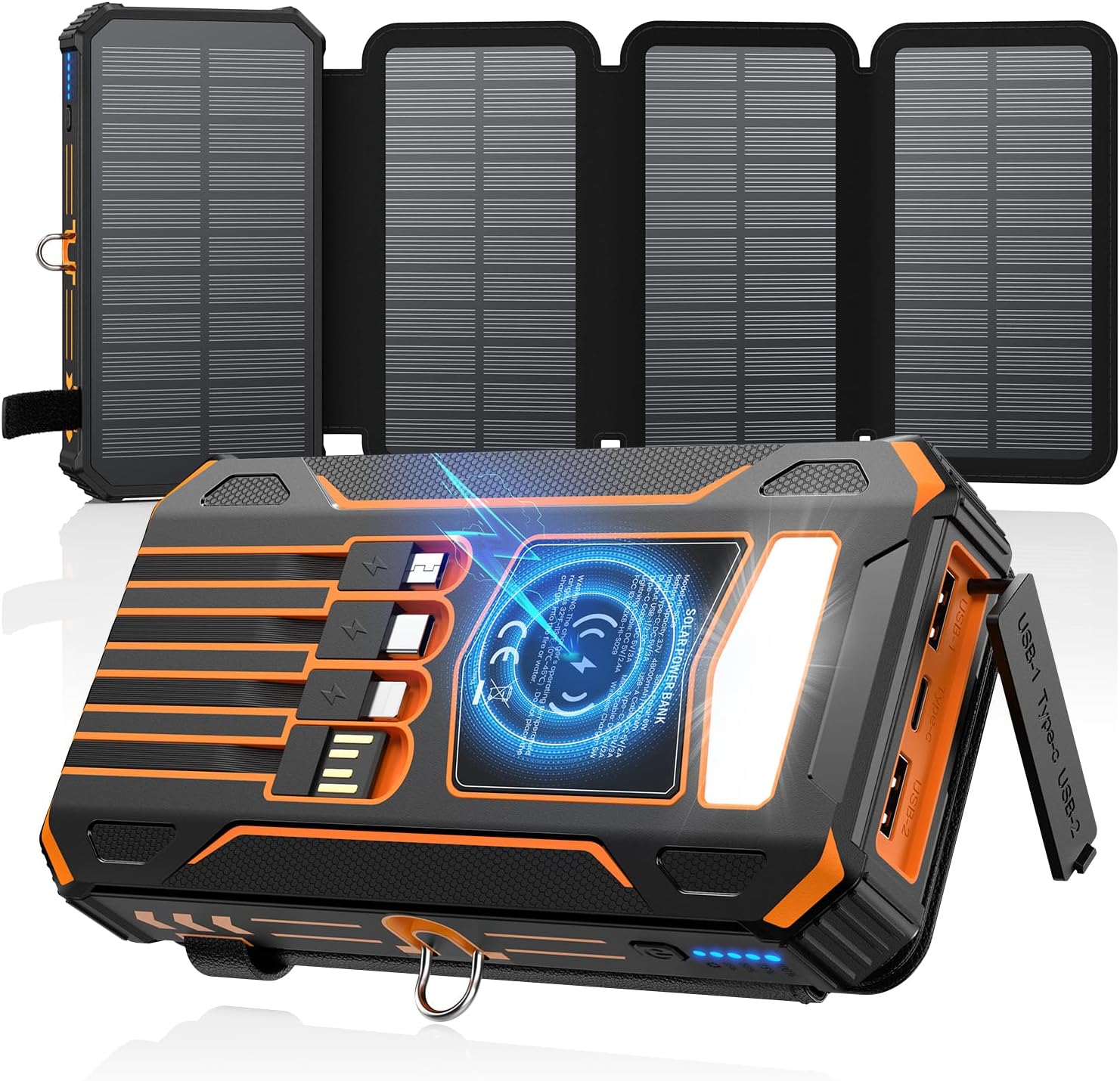
Charge the power bank before leaving home and bring the cable required to connect it to your phone or tablet. A wireless power bank also needs to be charged itself, and wireless charging may be less convenient if the device shifts or the accessory is not compatible. A traditional cable connection is often the simpler backup when you need to keep a device connected during travel.
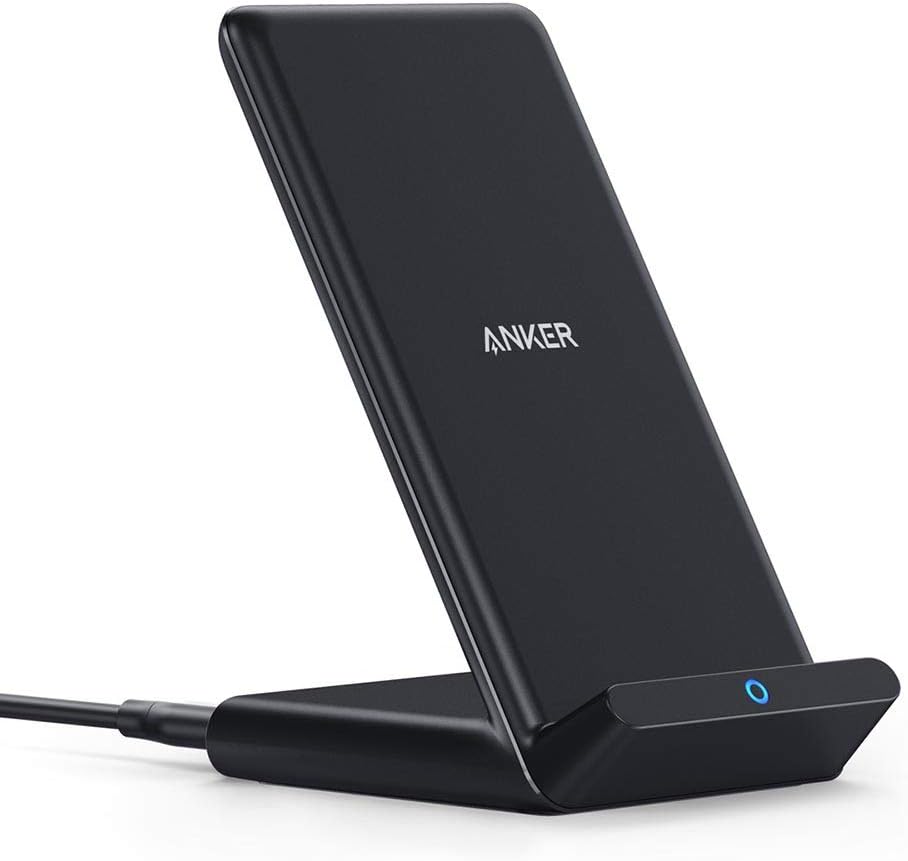
For people comparing wireless accessories for use away from a flight, a wireless charging stand for an iPad is a separate home or desk solution, not evidence of onboard Spirit power. Likewise, a phone battery case option can add a personal backup route, but it must still meet the airline’s applicable rules and suit the device.
What the listed products can and cannot tell you
The product list associated with this page includes electric-vehicle charging-port covers and simulated car alarm accessories. Those are automotive products, not airline-seat charging equipment, and their presence doesn’t establish whether a Spirit aircraft has USB ports or outlets. They should not be used to infer airline amenities or onboard charging specifications.
Some listed automotive accessories mention a USB charger port as part of a product description. That wording refers to the accessory’s stated feature, not to a Spirit Airlines seat. The listings also don’t provide information about aircraft compatibility, onboard power, or airline policy, so they cannot answer the flight-specific question.
For a traveler, the useful distinction is between an item that protects or decorates a vehicle charging port and a device that supplies power to a phone during a flight. A weather cover for an EV plug does not charge a phone, and a simulated alarm accessory is not a backup battery. Select travel accessories based on their actual listed function and verified specifications.
Keep devices ready if no seat port is confirmed
Charge your phone and other essential devices before heading to the airport. Download boarding documents, entertainment, maps, or other materials that you may need offline, and enable low-power settings if the battery must last through a long travel day. These steps don’t depend on a seat outlet being present.
Use a power bank only after checking the current airline rules, and avoid leaving cables stretched across an aisle or in a position where they could snag. Keep devices and accessories clear of moving seat parts. If a cable or adapter becomes hot, damaged, or unstable, disconnect it and stop using it.
If your device’s charging port is dirty or wet before travel, don’t try to clear it with a metal pin, paperclip, or tweezers. Power the device down before inspecting it, and use only non-conductive tools such as a wooden toothpick or plastic spudger for cautious debris removal. If the phone reports moisture, unplug it and let it dry upright in a well-ventilated room; avoid a hair dryer, close-range compressed air, cotton swabs, or rice.
For a damaged or obstructed port that won’t accept a cable, stop rather than forcing the connector. Bent contacts or a broken plug tip can make ordinary charging unsafe or unreliable, and a repair professional may be needed. A wireless charger can be an alternative only if the device supports it and the charging accessory has a suitable power source.
A straightforward answer for your next Spirit flight
Whether your Spirit flight has a charger port depends on the specific aircraft and seat, and the supplied information doesn’t confirm a universal onboard amenity. Verify current details with the airline, including whether the connection is USB or an AC outlet and whether it applies to your assigned seat. If you cannot confirm seat power, arrive with charged devices and a permitted backup battery.
That approach avoids relying on an uncertain feature while keeping the decision simple: confirm the exact amenity, match your cable or adapter to it, and follow current airline battery rules. The automotive products shown on this page don’t change the answer about aircraft amenities. Treat them as unrelated accessories, and use verified flight information to plan your charging needs.




Write Your Review
No reviews yet. Be the first to share your experience!