

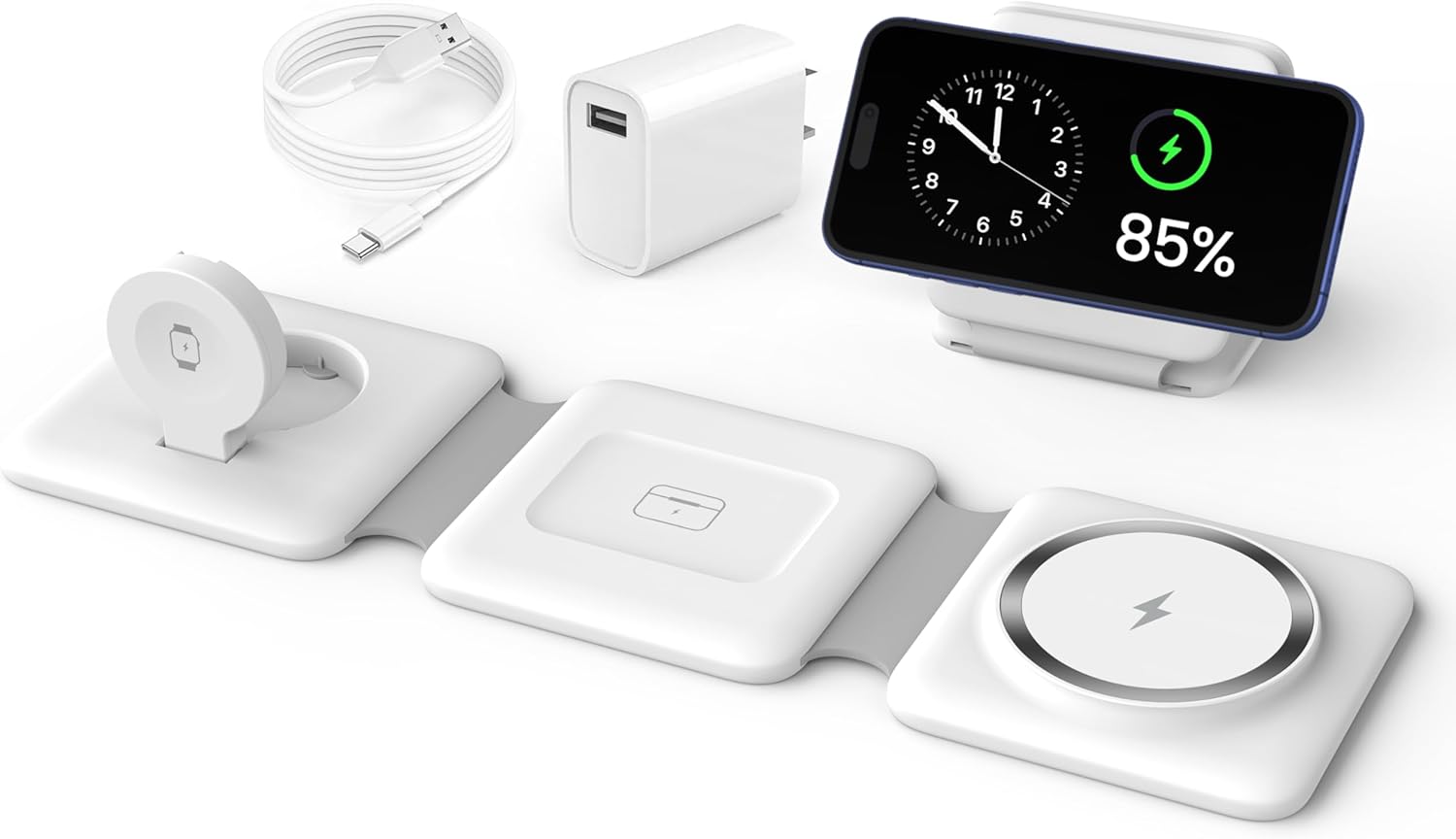
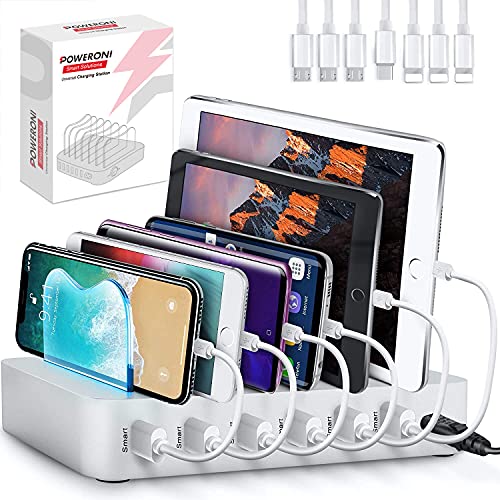
Tangled cables, crowded wall sockets, and sluggish charging bricks can quickly turn a clean workspace into total chaos. Plugging multiple power bricks into a single strip often leaves your desk covered in bulky plastic blocks that fight for socket room. Upgrading your desk setup with the best charging station usb c solves this headache by consolidating high-wattage power delivery into a single compact desktop hub. Modern multi-device hubs use advanced Gallium Nitride (GaN) circuitry to route dependable current to laptops, tablets, and smartphones without generating excessive heat. If you often manage power cords for heavy work laptops, learning how to wrap a mac charger safely can also keep your primary cables from fraying over time.
Based on detailed specification analysis and hardware wattage ratings, modern hubs differ dramatically in how they distribute electricity across individual ports. Some compact units cap individual outputs at twenty watts for handheld mobile devices, while heavy-duty desktop stations deliver dual one-hundred-watt feeds capable of running power-hungry laptops under heavy workloads. Checking the manufacturer dynamic power allocation table ensures you don’t accidentally throttle your hardware when connecting multiple accessories at once. Understanding how many volts in a phone charger helps match each port to your device requirements, giving you fast charging speeds without risking battery wear. A well-built desktop charging hub eliminates outlet competition and keeps your daily gadgets powered efficiently.


Frequently Asked Questions
Can a single USB-C charging station power a laptop and a phone at the same time?
Yes, provided the station supplies at least 65W to a single dedicated USB-C Power Delivery port. Units with total outputs between 100W and 200W typically feature dual high-output ports that route up to 100W to a laptop while powering smartphones simultaneously. Always verify individual port distribution ratings, as lower-wattage multi-port hubs split power evenly and may cap ports at 20W.
What causes charging speeds to drop when plugging in additional devices?
Dynamic power distribution automatically recalculates and divides total wattage whenever you connect an additional cable. Most multi-port hubs briefly reset their circuits to renegotiate the Power Delivery handshake and prevent electrical overloads. When selecting the best charging station usb c in 2026, look for stations with higher total wattage headroom so secondary accessories do not slow down your primary laptop.
Does high-wattage fast charging harm device battery health over time?
No, because modern smartphones and tablets actively regulate how much electrical current they accept. Even when connected to a 100W USB-C port, the device charge controller communicates with the hub and only draws its maximum supported intake. Built-in overcurrent and overvoltage protections prevent excess power delivery, keeping battery cells safe during routine use.
What makes GaN technology better for multi-device charging hubs?
Gallium Nitride components transfer electrical power much more efficiently than traditional silicon semiconductors. This thermal efficiency allows manufacturers to pack high wattage into compact enclosures without overheating. Stations built with GaN run noticeably cooler on crowded desks, offering dependable heat dissipation and reliable performance across multiple connected cables.
Are multi-port desktop charging stations practical for travel?
Compact multi-port blocks with detachable power cords travel well, but heavier desk hubs are best kept in permanent setups. If you need portable backup power on trips without hunting for wall outlets, a best portable charger for travel offers superior convenience. Desktop hubs provide massive stationary power for work desks, but their weight makes them bulkier in transit.



Write Your Review
No reviews yet. Be the first to share your experience!