

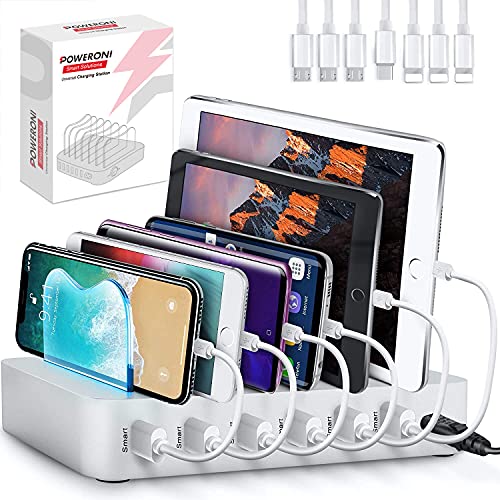
Tangled cords across kitchen counters and office desks turn daily power-ups into a chaotic mess. Juggling half a dozen separate wall plugs eats up outlet space and leaves electronics scattered all over the room. Investing in the best countertop charging station pulls everything into a single, compact hub that keeps phones, tablets, smartwatches, and earbuds upright and orderly. Beyond neat organization, picking a reliable station means finding balanced wattage across ports so tablets charge without sapping juice from your phone.
Careful analysis of port allocations, shared wattage ratings, and user feedback shows that port configuration makes a huge difference. While some docks rely on basic USB-A slots that deliver modest trickle charging, heavy setups need dedicated USB-C Power Delivery to feed hungry hardware efficiently. Understanding how many volts in a phone charger setup you actually need helps you dodge sluggish speeds and avoid power bottlenecks. Whether you want natural bamboo storage to blend with furniture or high-power multi-device charging docks with flame-retardant dividers, matching your daily electronics to the right dock keeps every battery full without cluttering your living space.


Frequently Asked Questions
Can a Best Countertop Charging Station fast charge multiple smartphones simultaneously in 2026?
Yes, provided the station features dedicated high-wattage ports with USB-C Power Delivery rather than sharing a single low-amperage rail. Stations boasting separate fast-charging channels distribute wattage independently so one device does not slow down another. Checking the individual port rating ensures you get genuine rapid charging instead of split current.
Will thick phone cases prevent devices from fitting into charging station slots?
No, most modern organizers feature widened bays designed specifically to accommodate rugged armor cases and tablet covers. Many desktop docks offer slots measuring over one inch wide to hold bulky protective gear securely upright. If you use an extra-thick folio case, selecting a stand with removable or spaced dividers offers the necessary clearance.
Does using a multi-device charging station generate excessive heat?
No, high-quality stations use flame-retardant ABS materials and smart charging chips to regulate thermal output actively. Stations incorporating advanced GaN circuitry stay cooler than traditional silicon bricks while pushing higher wattage. Keeping the station in a ventilated countertop area prevents ambient heat buildup during heavy power sessions.
Can you leave devices plugged into a countertop dock overnight safely?
Yes, certified charging stations include built-in safeguards against overcharging, short circuits, and overvoltage. Smart current detection drops power to a gentle maintenance trickle once a battery reaches full capacity. For laptop cables and desk maintenance, knowing how to wrap a mac charger safely also keeps long cords in great shape when stored nearby.
How do countertop charging stations differ from portable travel chargers?
Countertop docks prioritize multi-slot physical organization and high total port counts over ultra-compact mobility. While a dedicated best portable charger for travel packs light for transit, desktop stations excel at anchoring your home cords into a single permanent footprint. They eliminate cord tangles in communal spots like kitchens, conference desks, and nightstands.
Do countertop charging docks come with built-in watch chargers?
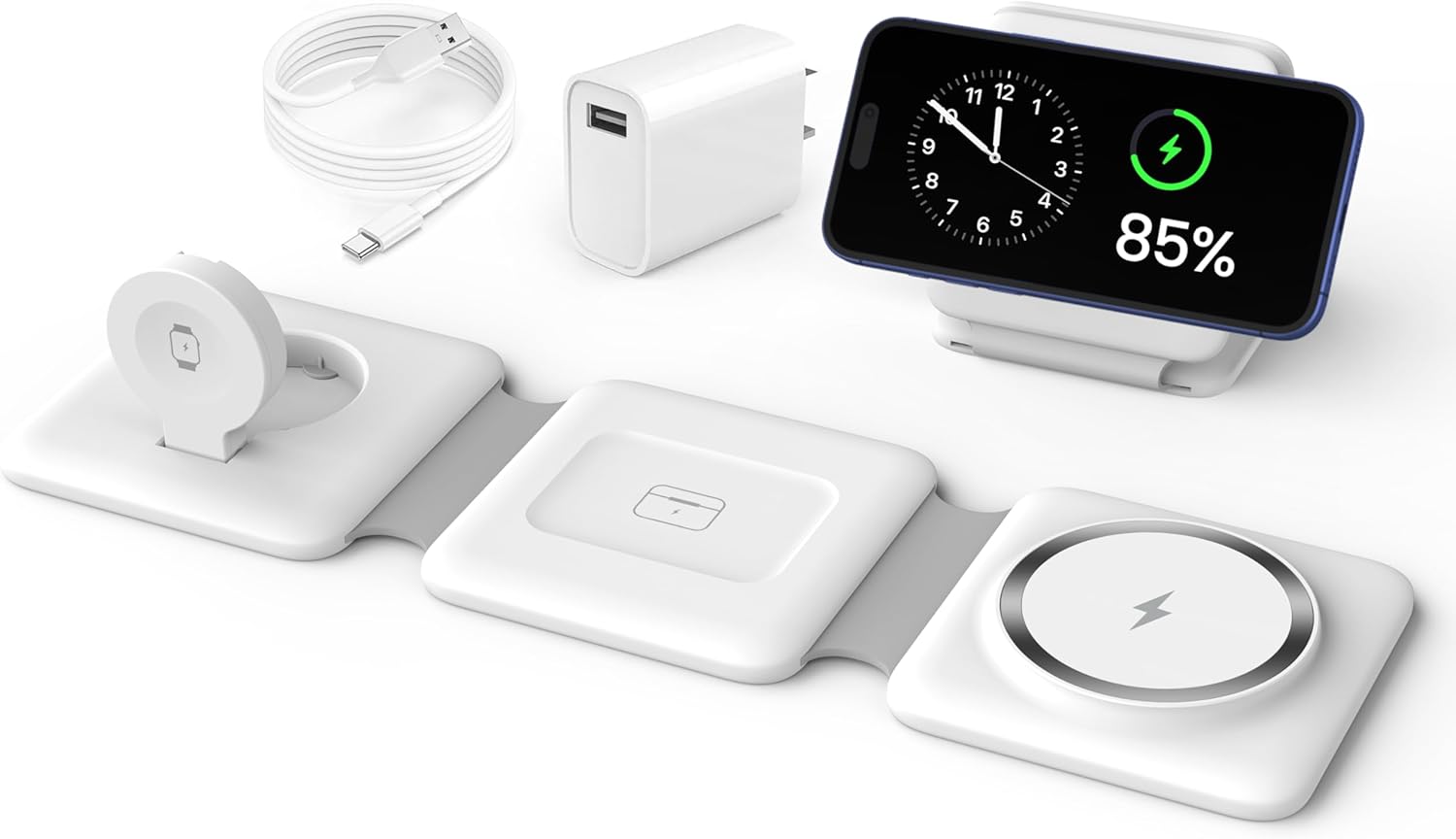
Most docks provide an integrated holder bracket rather than the magnetic charging puck itself. You typically insert your original manufacturer watch puck into the silicone or bamboo groove and route the wire internally. This setup ensures compatibility with proprietary watch charging standards without risking third-party charging errors.


Write Your Review
No reviews yet. Be the first to share your experience!